// Project
Hand Gesture Based System Control
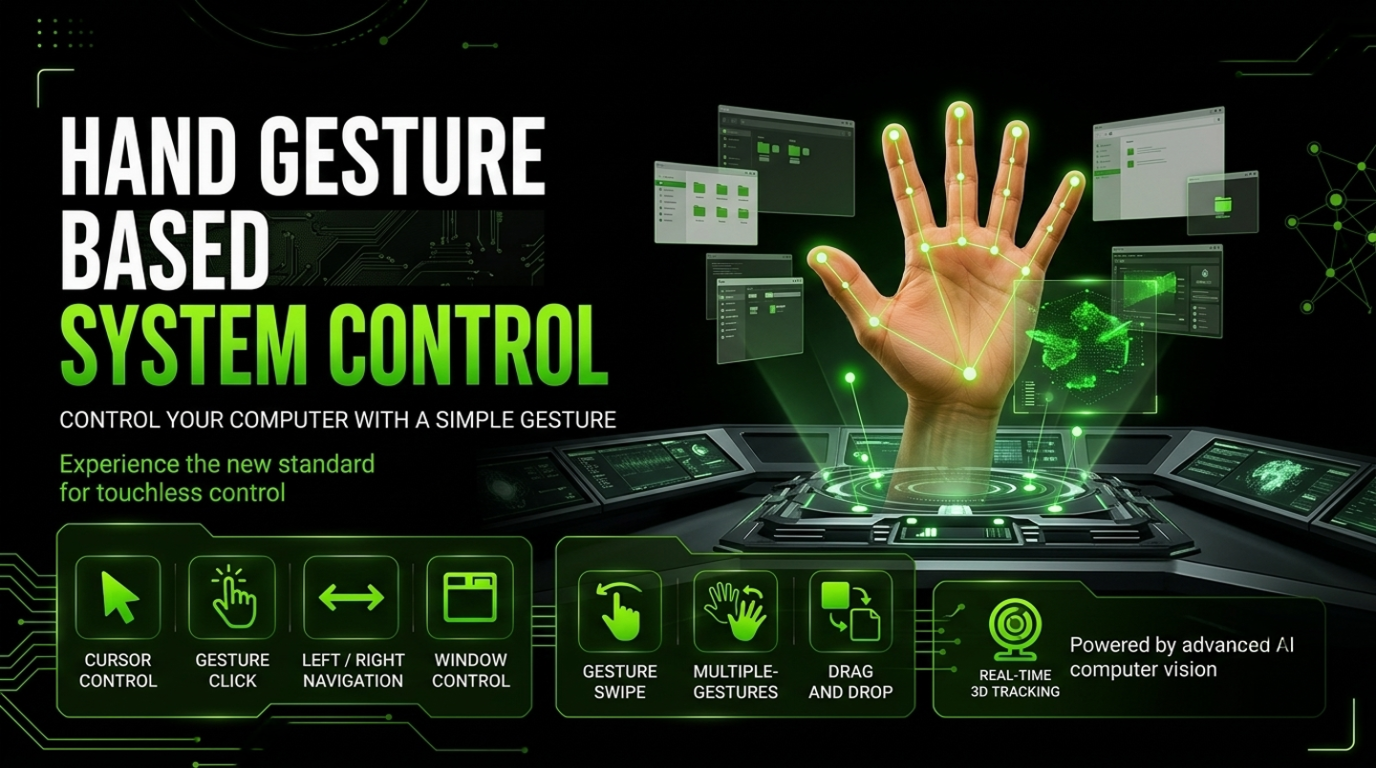
A real-time computer vision system that uses webcam-based hand tracking and gesture recognition to control the desktop cursor, clicking, navigation, and window actions without physical input devices.
// Overview
Summary
Hand Gesture Based System Control is a real-time computer vision project that allows users to interact with a computer using hand gestures instead of traditional input devices.
// Approach
Process & Design
Hand Gesture Based System Control is a computer vision project that enables touch-free interaction with a desktop computer using hand gestures. The system uses a webcam to capture real-time video and MediaPipe to detect and track 21 hand landmarks. OpenCV handles the video processing, while the detected finger positions and distances are analyzed to recognize specific gestures. These gestures are then mapped to system actions such as moving the mouse cursor, performing clicks, navigating left and right, and controlling windows. PyAutoGUI is used to automate the corresponding mouse and keyboard operations, creating a hands-free interface for basic computer control.
MediaPipe
Used for real-time hand tracking and detection of 21 hand landmarks, allowing the system to identify finger positions and recognize different hand gestures.
OpenCV
Used to access the webcam, capture live video frames, process images, and provide the camera feed required for real-time hand tracking.
PyAutoGUI
Used to control the computer interface programmatically, including moving the mouse cursor and performing click and keyboard actions based on detected gestures.
CTypes
Used to access Windows system functions and retrieve the screen resolution for accurately mapping normalized hand coordinates to the computer screen.
// Features
Key Highlights
Real-Time Hand Tracking
Detects and tracks a hand through the webcam in real time.
Gesture Recognition
Identifies different gestures by analyzing the positions of fingers and hand landmarks.
Touch-Free Interaction
Allows basic computer interaction without physically using a mouse or keyboard.